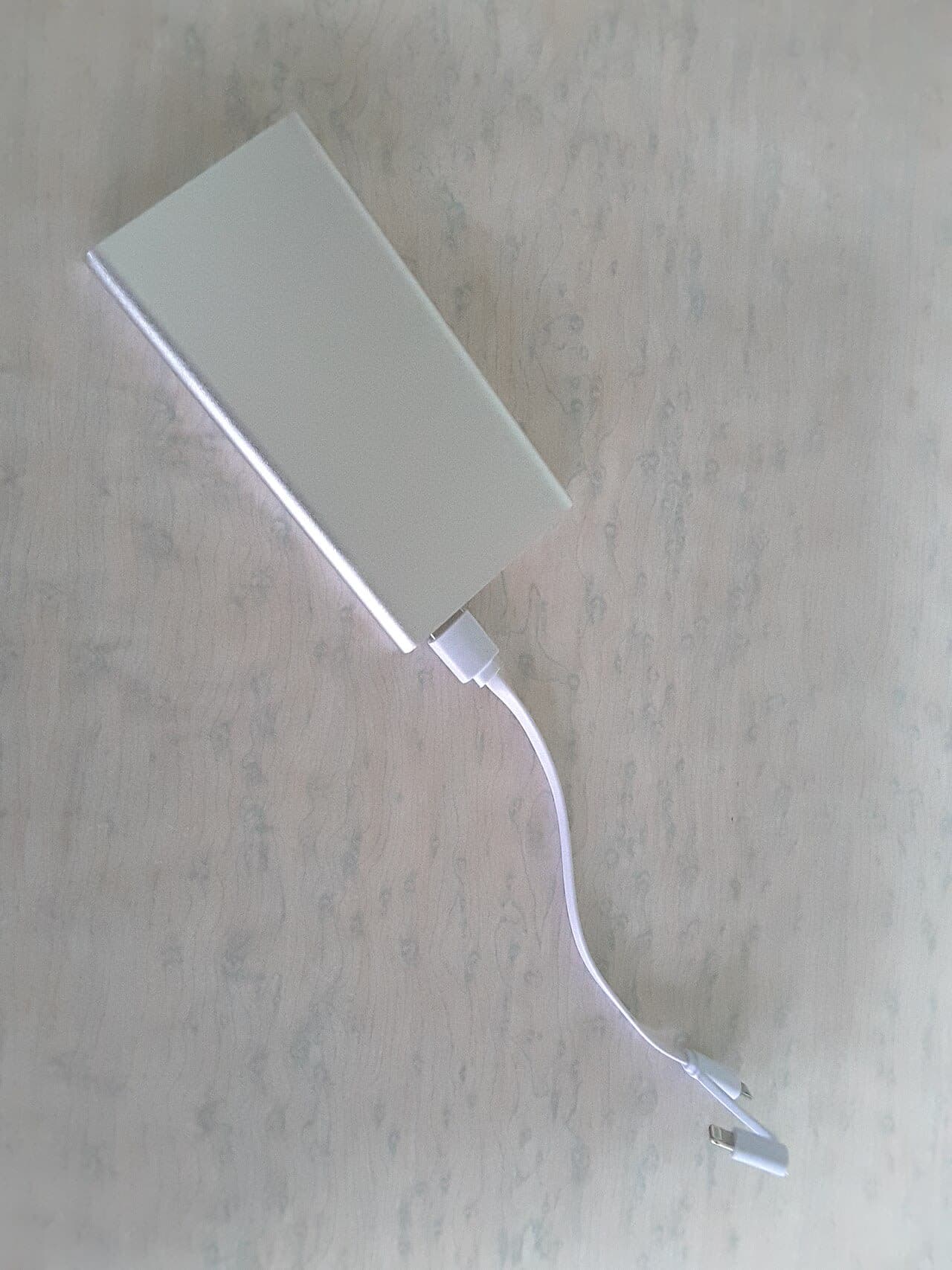
Anker 737 Power Bank Review: 24,000mAh That Can Actually Charge Your Laptop
A 24,000mAh Brick That Can Actually Charge Your Laptop Power banks have a dirty secret: most of them can't meaningfully charge a laptop. They can keep it from dying if you're doing light work, but fast-charging a MacBook from 20% to 80% while you're working? Most don't have the wattage for it. The Anker 737 (24,000mAh) is one of the few that genuinely can — but you're going to feel it in your bag. The Numbers That Matter Let's start with capacity and charging speeds because that's the whole point: 24,000mAh / 140W total output — this is the max output spec, which requires using both USB-C ports simultaneously Single port max output: 140W via the top USB-C port — enough to fast-charge a MacBook Pro 14-inch at its rated speed Input: 65W via USB-C — meaning it takes about 2.5 hours to fully recharge the power bank itself How many full charges does 24,000mAh translate to in practice? iPhone 15 Pro: approximately 4.5-5 full charges (real-world efficiency losses account for the gap from theoretical) Samsung Galaxy S24: approximately 4-4.5 full charges iPad Air (M2): approximately 1.8-2 full charges MacBook Air M3: approximately 60-70% of a full charge (the 52.6Wh battery versus ~22,200mWh effective output) MacBook Pro 14-inch: approximately 40-50% of a full charge "For the first time, I actually left my MacBook charger at home for a two-day work trip. The 737 covered it." The Display Is Genuinely Useful The Anker 737 has an LED display showing remaining battery percentage and live wattage draw. This sounds like a gimmick but it's actually useful. You can see exactly how much power is going to your device and whether you're getting fast-charge speeds. It showed 89W charging my MacBook Pro, which is real fast-charging. It showed 27W on my phone, which matched the phone's own USB Power Delivery negotiation. Useful, not marketing. The Weight Problem Is Real The Anker 737 weighs 1.27 pounds (576 grams). For context, a MacBook Air weighs 2.7 pounds. You're adding roughly half a laptop's worth of weight to your bag. For an airport day where you're moving from gate to gate, a hotel, a conference, and back — having a fully charged laptop at all times is worth carrying 1.27 extra pounds. I've done it repeatedly and made peace with it. For a daily commute where you have access to outlets or only use your phone? This is massive overkill. Get an Anker PowerCore 10,000 instead — it's smaller than your phone, weighs 6 ounces, and costs $25. The 737 also doesn't fit in most pants pockets or small clutch bags. It's a "in your backpack" device, full stop. Airline Carry-On Rules Important: at 24,000mAh / ~88.8Wh, this is under the 100Wh limit for airline carry-on. You can bring it on a plane, but it must go in your carry-on, not checked baggage (lithium battery rules). At 100Wh you'd need airline approval; at 88.8Wh you're under the automatic limit. Worth knowing before you travel. Who Should Buy This? Frequent business travelers: Strong yes. The ability to leave your laptop charger behind and know you're covered is genuinely valuable. Digital nomads who work in cafes: Yes, especially if outlets aren't reliable. Daily commuters who use their phone and laptop: Overkill. The weight isn't worth it for typical commute distances from an outlet. Emergency kit/car travel: Excellent choice — stays in the bag for when you need it. Bottom line: 8/10. The 737 does what it promises — it can genuinely fast-charge a laptop, holds enormous capacity, and the display is a nice touch. The weight is the honest tradeoff you're making, and it's worth it for travel but overkill for daily commuting. This article was written by the HonestyHive team to demonstrate the kind of honest, in-depth content we're building this platform for.
Read more